The MDF & IDF Cleanup Playbook
September 8, 2026
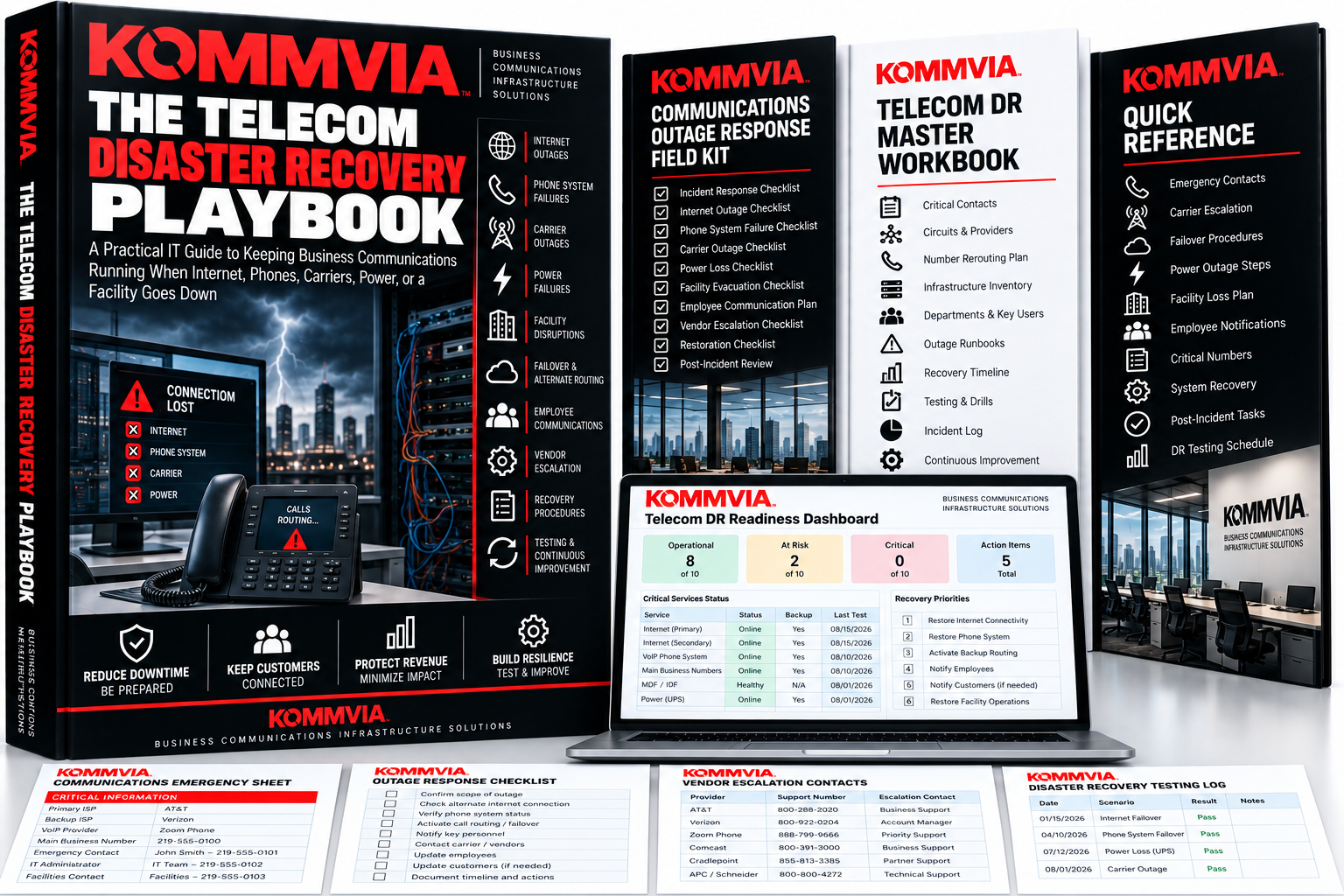
The Telecom Disaster Recovery Playbook
September 9, 2026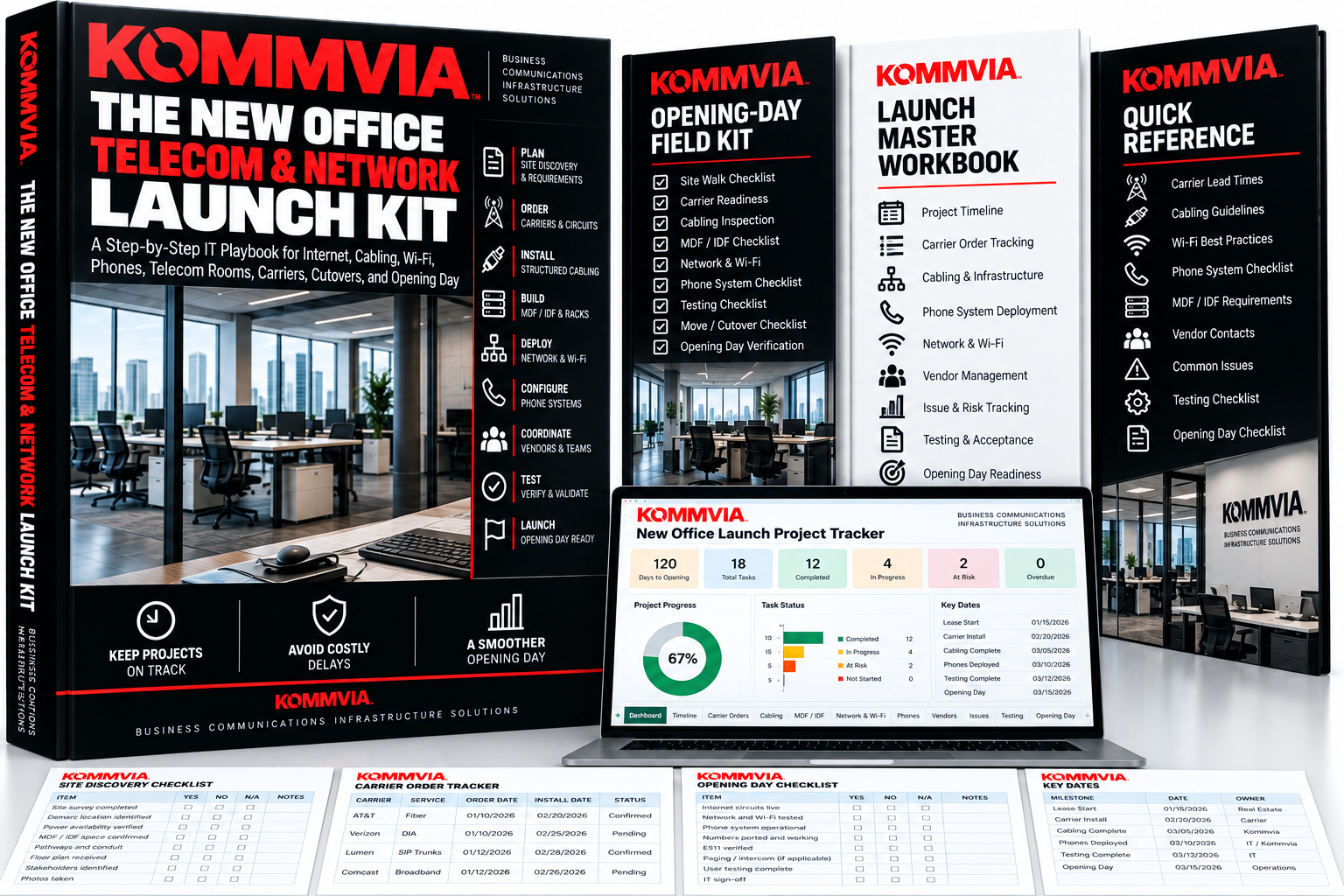
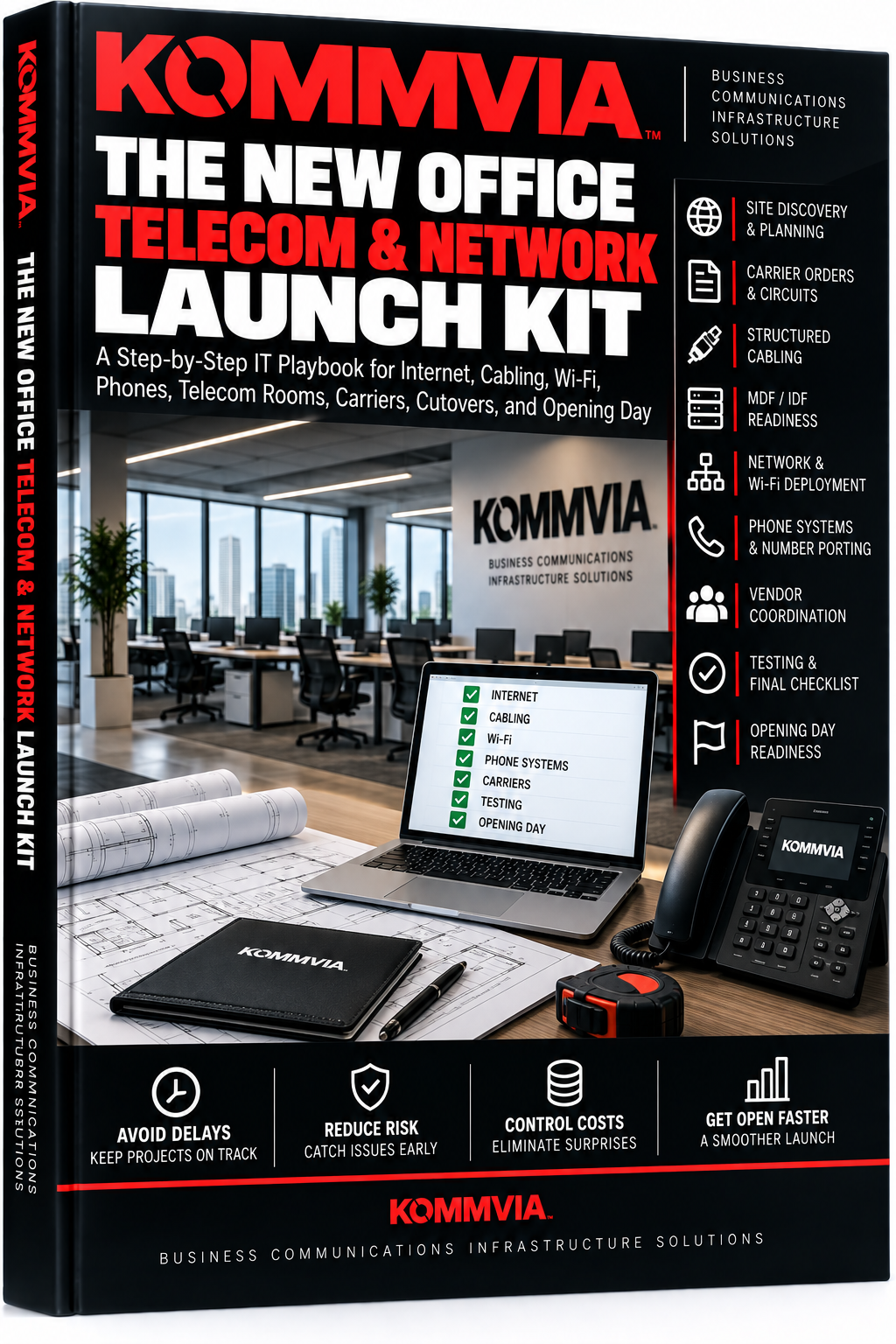
The New Office Telecom & Network Launch Kit
A Step-by-Step IT Playbook for Internet, Cabling, Wi-Fi, Phones, Telecom Rooms, Carriers, Cutovers, and Opening Day
Opening a new office? Moving locations? Expanding into a new facility?
The Kommvia New Office Telecom & Network Launch Kit gives IT and facilities teams a practical system for coordinating the technology infrastructure that needs to be ready before opening day—including internet circuits, structured cabling, MDF/IDF rooms, networking, Wi-Fi, business phones, number porting, specialty systems, vendors, testing, and cutover.
Includes the complete playbook, Opening-Day Field Kit, checklists, and interactive Launch Master Workbook.
Your furniture can arrive late. Your internet can’t.
Original price was: $6.97.$3.00Current price is: $3.00.
Opening Day Is the Wrong Time to Discover Something Was Missed.
The furniture is installed.
Employees are arriving Monday.
Then someone asks:
When is the internet being installed?
Or the carrier arrives and discovers the demarc is nowhere near the new network room.
Or the cabling contractor is waiting for the electrician.
Or the phones are installed—but the numbers haven’t ported.
Or the Wi-Fi access points were never included in the cabling plan.
New offices, relocations, expansions, and facility openings have dozens of technology dependencies—and one missed detail can put the entire opening at risk.
The Kommvia New Office Telecom & Network Launch Kit gives IT and facilities teams a practical system for managing the communications infrastructure from initial site discovery through opening day.
START WITH THE OPENING DATE
Work backward from the day employees need to operate.
Coordinate:
Carrier Orders • Construction • Cabling • Telecom Rooms • Network Equipment • Wi-Fi • Phones • Number Porting • Testing • Move Day
Instead of managing each piece separately, build one coordinated launch plan.
GET INTERNET ORDERED EARLY
Carrier delivery can become the critical path of the entire project.
Track:
- Internet/DIA orders
- Backup connectivity
- Carrier construction
- Service addresses
- Demarc locations
- Circuit IDs
- Installation appointments
- Delivery dates
- Escalation contacts
- Activation and acceptance testing
Know exactly where every carrier order stands.
PLAN THE CABLING
Turn the floor plan into an actual infrastructure plan.
Account for:
Workstations • Phones • Wireless Access Points • Printers • Conference Rooms • Specialty Devices • Backbone Cabling • Patch Panels • Racks
Track installation, testing, labeling, ownership, and completion.
GET THE MDF & IDF READY
Your network can’t be installed properly if the telecom room isn’t ready.
Verify:
Rack or Cabinet • Power • UPS/PDU • Patch Panels • Cable Management • Carrier Extension • Access • Security • Environment
Make the telecom room a project milestone—not an opening-day surprise.
BUILD THE NETWORK & WI-FI
Track the infrastructure needed to make the office operational:
Firewall • Router • Switches • PoE • VLANs • DHCP • DNS • Access Points • Wi-Fi • WAN/Failover
Document equipment, configuration status, installation, testing, and ownership.
DEPLOY THE PHONE SYSTEM
Plan business communications alongside the network.
Document:
- Users and extensions
- Desk phones and softphones
- Main numbers
- DIDs
- Auto attendants
- Queues and ring groups
- Voicemail
- After-hours routing
- Mobile users
- Emergency calling administration
- Paging and intercom
Know who needs what before deployment day.
CONTROL NUMBER PORTING
Moving a business doesn’t necessarily mean the phone numbers move automatically.
Track every number from the old environment into the new one.
Document the current carrier, account, purpose, porting decision, authorization, target date, confirmed date, status, and post-port testing.
And don’t disconnect the old service until the new environment has been validated.
FIND THE SPECIALTY SYSTEMS
Business communications extend beyond phones and laptops.
Identify dependencies involving:
Fax • Elevators • Fire/Security Systems • Door Phones • Intercom • Paging • Building Systems • POS • Modems • Telemetry
Assign the appropriate vendor and acceptance test before opening.
CONTROL THE VENDORS
New-office projects often involve several companies working simultaneously.
The kit helps coordinate:
ISP/Carrier • Cabling Contractor • Network Team/MSP • VoIP Provider • Electrician • Landlord • Furniture Vendor • Specialty Vendors • Internal IT • Facilities
Define responsibilities and dependencies before they turn into finger-pointing.
USE A FORMAL READINESS GATE
Before opening day, answer one question:
Are we actually ready?
The included readiness system verifies that critical infrastructure has been completed and tested.
Internet active?
Cabling tested?
MDF/IDF ready?
Network operational?
Wi-Fi validated?
Phones working?
Numbers ready?
Specialty systems tested?
Support coverage scheduled?
If something isn’t ready, you’ll know who owns it and what needs to happen.
What’s Included
The New Office Telecom & Network Launch Kit
The complete step-by-step playbook from site discovery through opening-day closeout.
Opening-Day Field Kit
Print-ready checklists covering site discovery, carrier readiness, infrastructure, communications, testing, and opening-day acceptance.
Launch Master Workbook
An interactive Excel project-control system covering:
Dashboard • Sites • Carrier Orders • Cabling Plan • MDF & IDF • Network & Wi-Fi • Phones & Users • Numbers & Porting • Specialty Systems • Vendor Matrix • Issues • Readiness Gate • Opening Day
Built for Real Office Launches
Ideal for:
IT Managers • IT Directors • Network Teams • Systems Administrators • Facilities Managers • Project Managers • MSPs • Operations Teams • Multi-Site Organizations
Use it for:
New Offices • Office Relocations • Facility Expansions • New Branches • Acquisitions • Remodels • Multi-Site Rollouts
Don’t Coordinate Opening Day From Your Inbox.
Build the plan.
Assign the owners.
Track the dependencies.
Test everything.
Then open the doors.
Kommvia — Business Communications Infrastructure Solutions
Related products
-
The Telecom Disaster Recovery Playbook
Original price was: $6.97.$3.00Current price is: $3.00. -
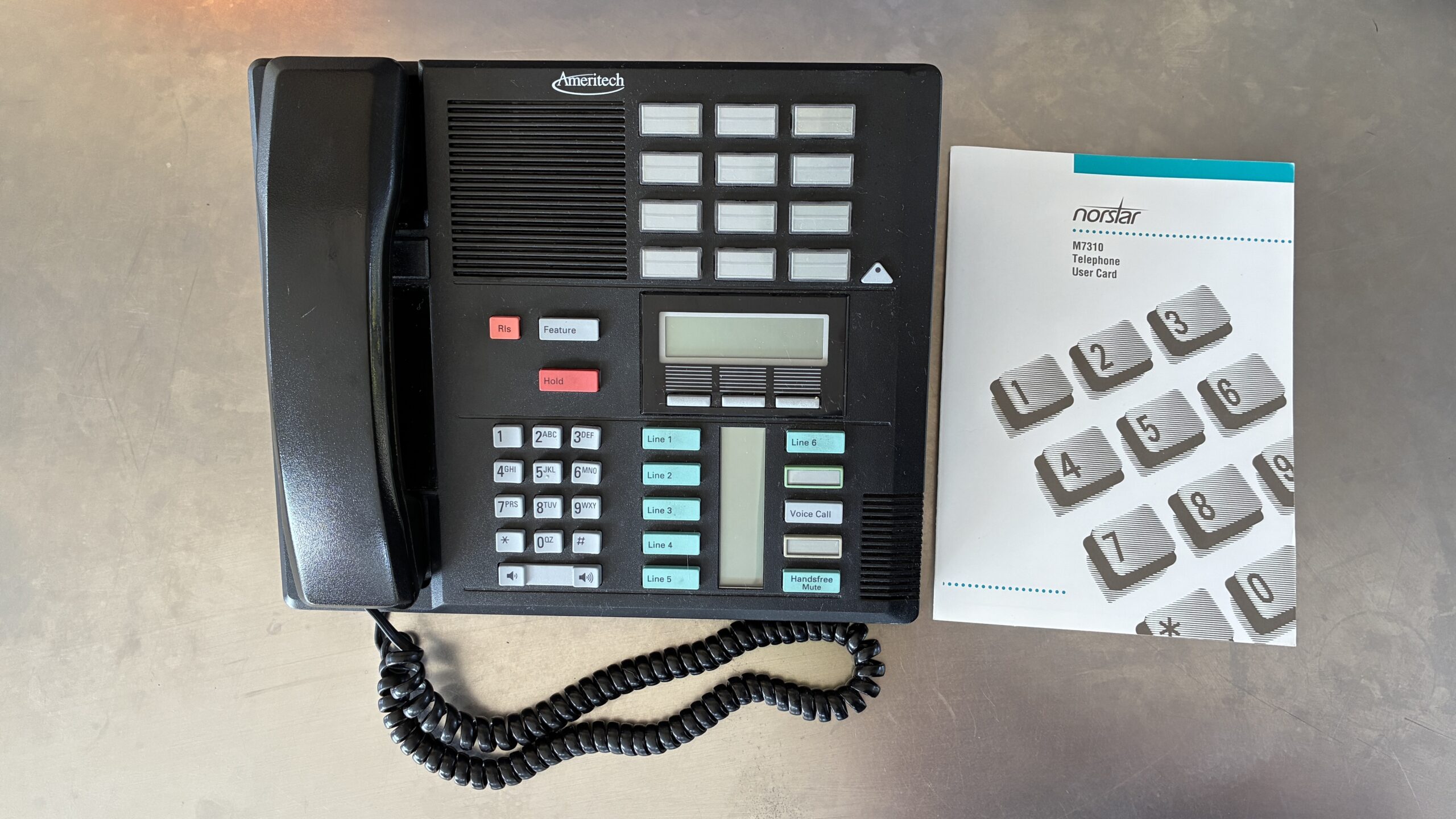
Meridian M7310 Phone
Original price was: $65.00.$49.97Current price is: $49.97. -
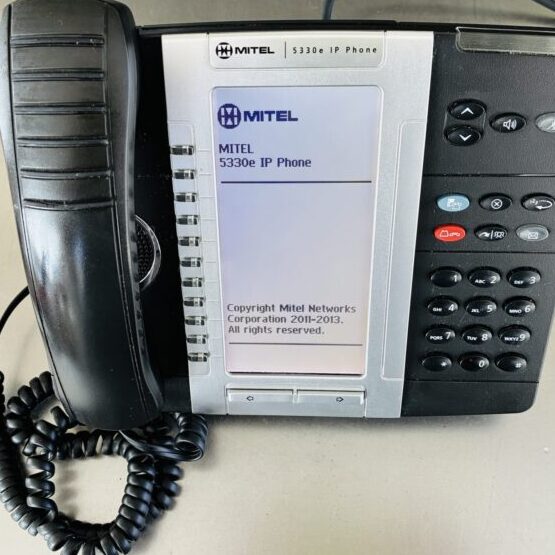
Mitel 5330e IP Phone – Refurbished
Original price was: $45.97.$34.99Current price is: $34.99.