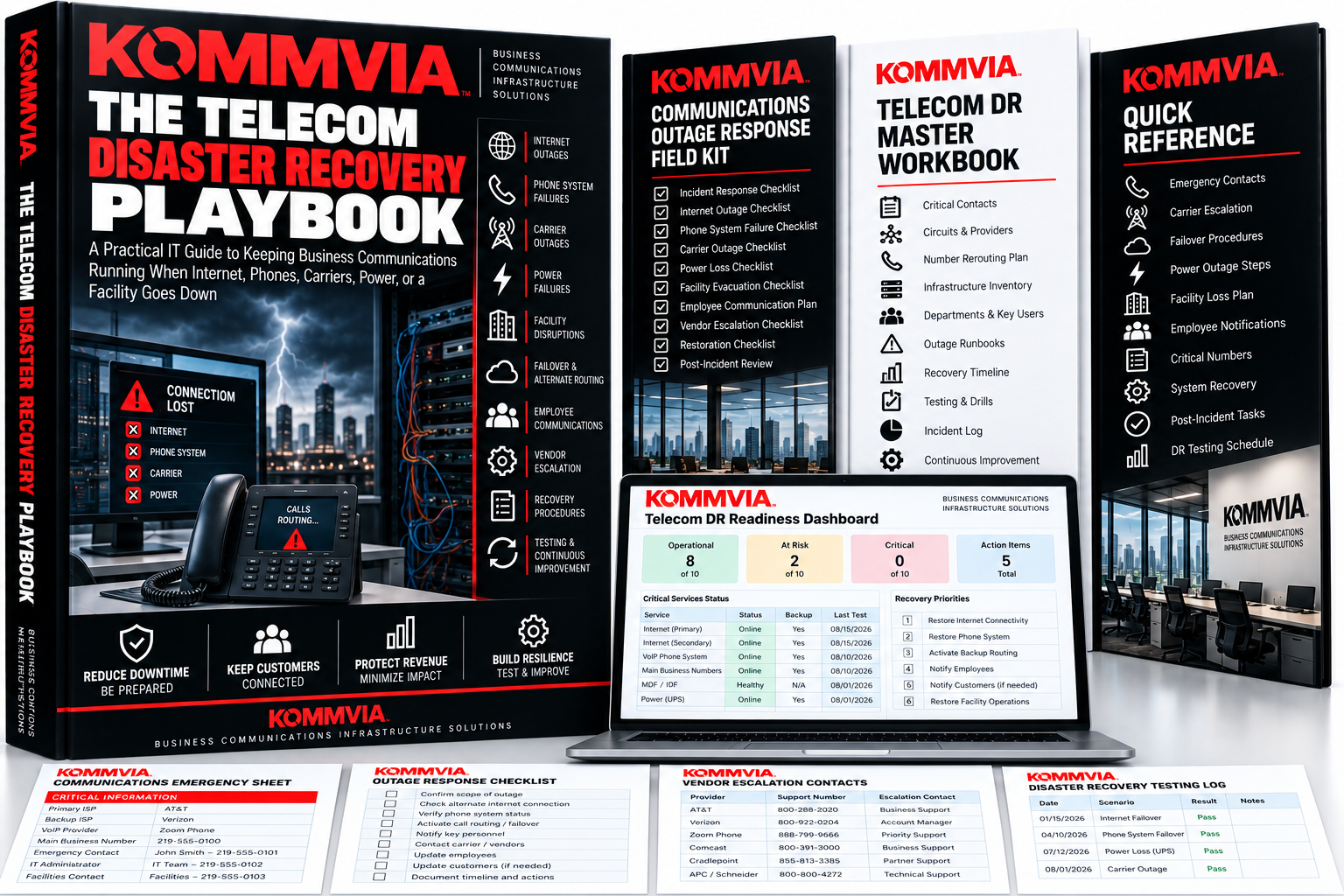
The Telecom Disaster Recovery Playbook
September 9, 2026
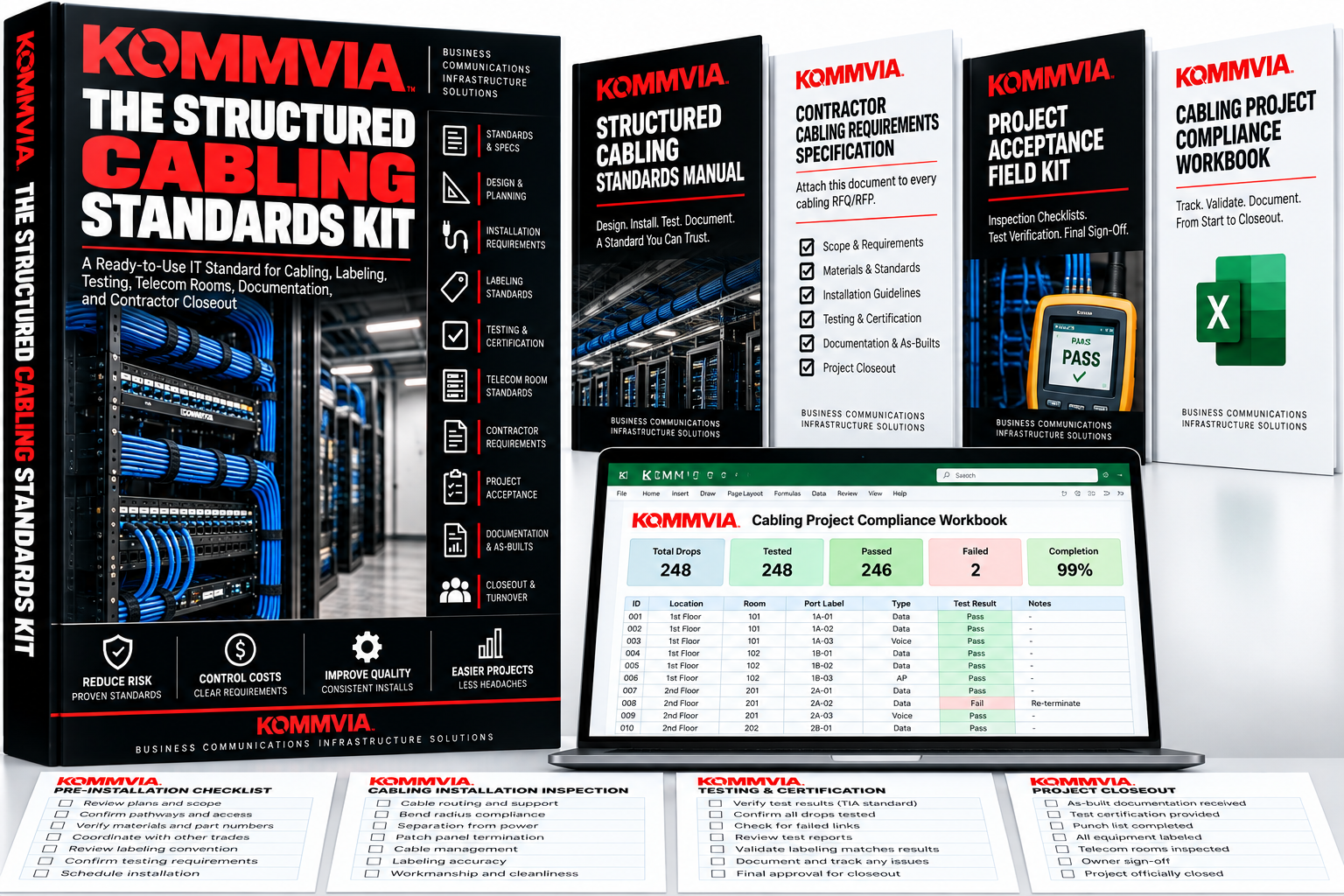
The Structured Cabling Standards Kit
September 9, 2026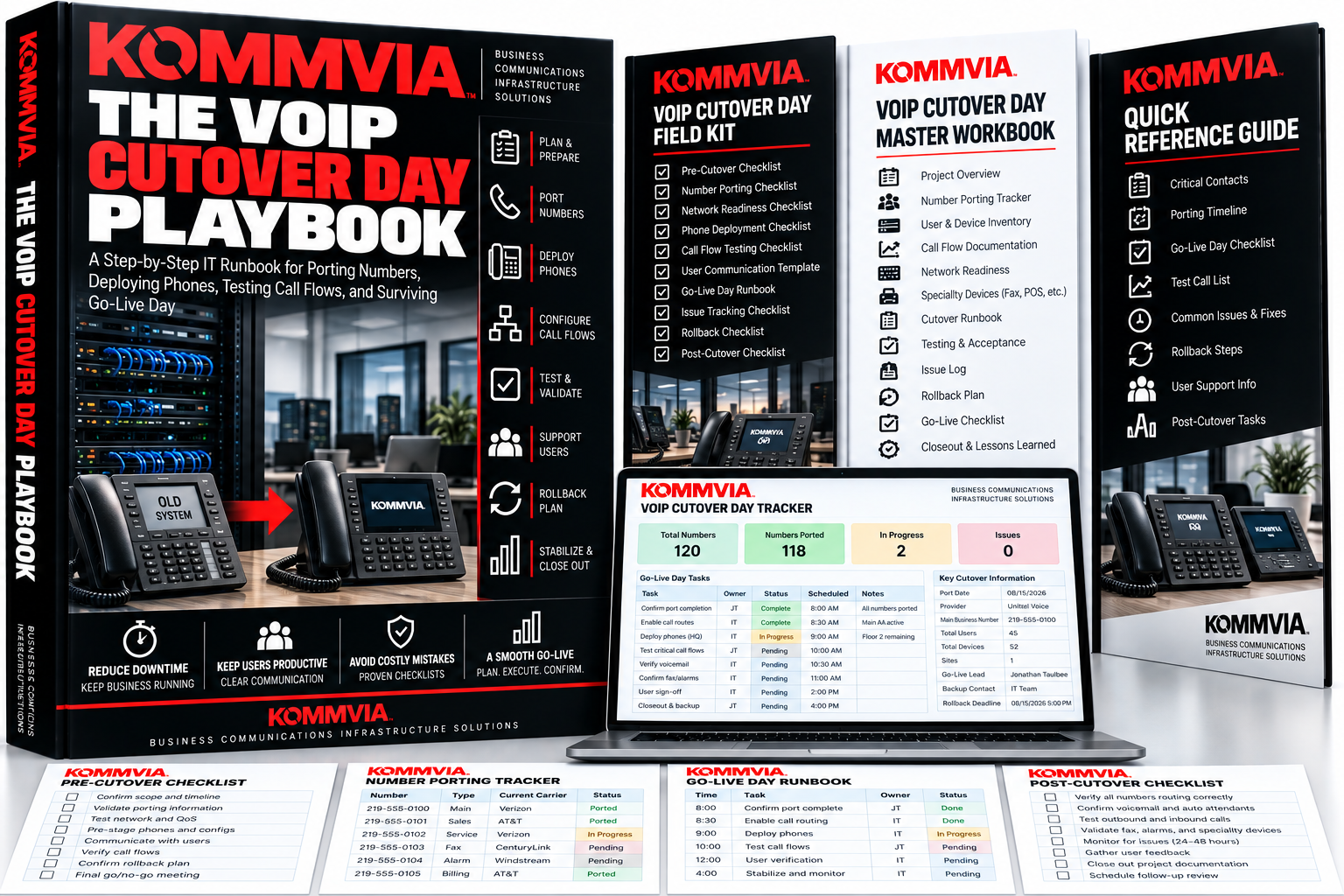
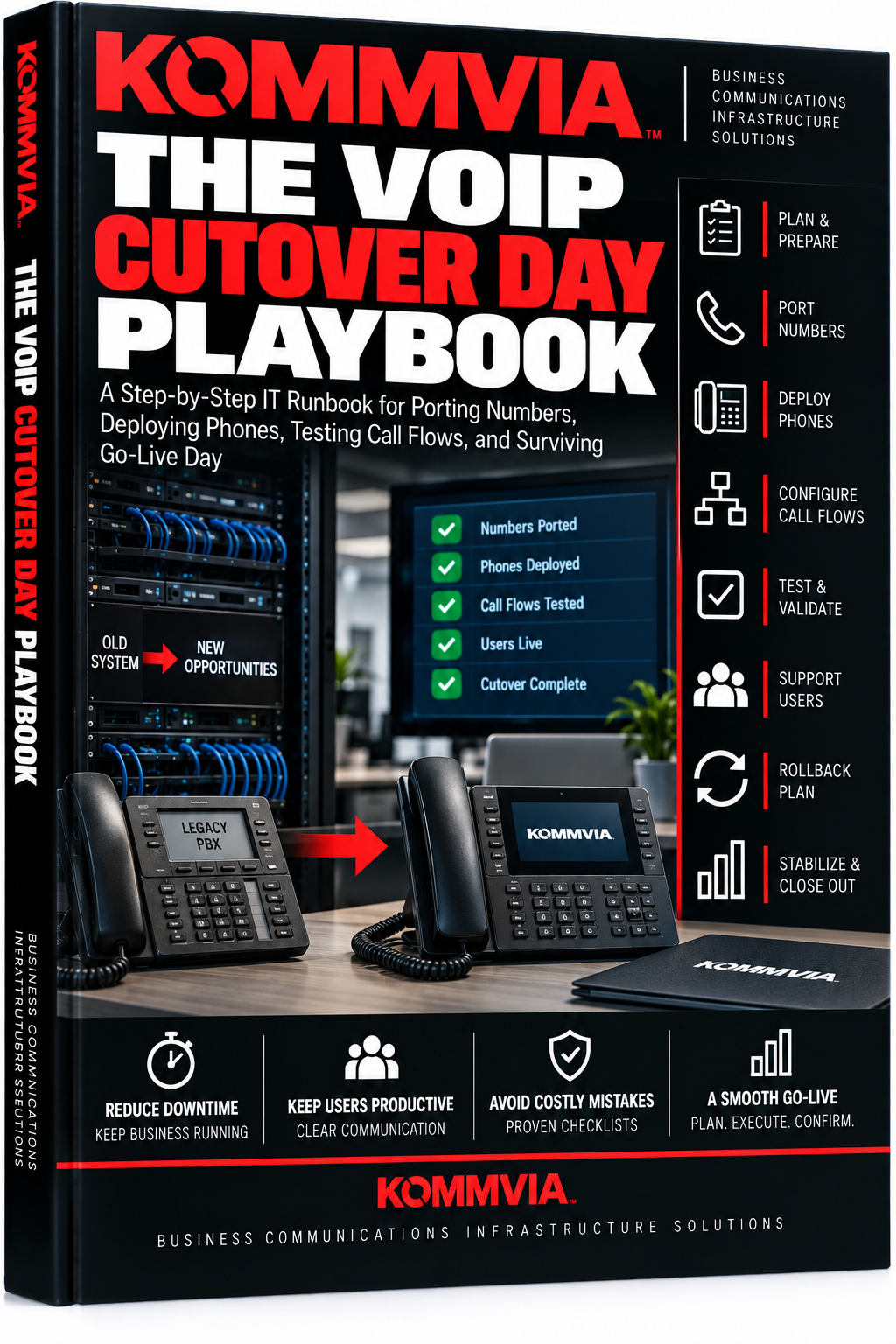
The VoIP Cutover Day Playbook
A Step-by-Step IT Runbook for Porting Numbers, Deploying Phones, Testing Call Flows, and Surviving Go-Live Day
Your VoIP system is built. The phones are ready. The port date is scheduled.
Now comes the part where everything has to work.
The Kommvia VoIP Cutover Day Playbook gives IT teams a practical, step-by-step system for managing the final transition from an old phone system to VoIP without turning go-live day into chaos.
Plan the cutover, control number porting, deploy phones, validate call flows, track issues, coordinate providers, test critical numbers, establish rollback criteria, support users, and stabilize the new system after launch.
Includes the complete playbook, VoIP Cutover Day Field Kit, print-ready checklists, and interactive VoIP Cutover Day Master Workbook.
The port date is not the plan. The cutover runbook is.
Original price was: $6.97.$3.00Current price is: $3.00.
Go-Live Day Should Be Boring.
Months of planning can come down to a few hours.
Numbers begin porting. Phones start registering. Users arrive. Customers start calling. Reception needs to transfer calls. Queues need to work. Voicemail needs to answer. Caller ID needs to display correctly.
And the old phone system is disappearing underneath you.
The Kommvia VoIP Cutover Day Playbook gives IT teams a structured system for controlling that transition from beginning to end.
FREEZE THE SCOPE
Before cutover begins, lock down the final environment.
Confirm users, extensions, DIDs, devices, call flows, queues, auto attendants, business hours, voicemail, specialty systems, network requirements, and critical business numbers.
Cutover day is not the time to discover missing requirements.
CONTROL NUMBER PORTING
Track every telephone number being migrated.
Document the current carrier, account information, confirmed port date, new provider, port status, testing results, temporary routing options, and escalation contacts.
Most importantly:
Do not cancel the losing carrier before the numbers have successfully ported and the new environment has been accepted.
VALIDATE THE NETWORK
Before the phones depend on it, confirm the infrastructure underneath them.
Review:
Internet/WAN • Firewall/NAT • Switching • PoE • VLANs • DHCP • DNS • NTP • QoS • Backup Connectivity
A VoIP cutover should not become the first real test of the network.
PRE-STAGE EVERYTHING POSSIBLE
Configure the new environment before the clock starts.
Provision users.
Assign phones.
Build queues.
Configure auto attendants.
Load business hours.
Prepare voicemail.
Verify administrative access.
Test devices.
The more work completed before cutover day, the less work you’re doing while the business is waiting.
BUILD THE CUTOVER COMMAND SHEET
Keep the critical information in one place:
Cutover Time • Port Window • Main Numbers • Provider Contacts • Carrier Escalations • Internal Owners • Ticket Numbers • Critical Users • Rollback Authority • Status Updates
Nobody should be searching through email during an outage.
PORT. TEST. PROVE.
Once numbers begin moving, test from outside the organization.
Validate:
Main Number • Critical DIDs • Inbound Calling • Outbound Calling • Caller ID • Reception • Transfers • Queues • Voicemail • After-Hours Routing
Don’t assume a successful port means the phone system is working correctly.
DEPLOY USERS IN CONTROLLED WAVES
Start with the people who matter most to business continuity.
Reception.
Customer service.
Sales.
Operations.
Executives or other critical users.
Then move through the remaining departments while tracking registration, calling, voicemail, transfers, headsets, softphones, and individual issues.
DON’T FORGET THE WEIRD STUFF
Desk phones aren’t the entire communications environment.
Verify specialty systems such as:
Fax • Paging • Intercom • Door Phones • Gate Phones • Alarms • Elevator Phones • Modems • Telemetry • Conference Devices
Life-safety, regulated, and vendor-maintained systems should always be coordinated and validated by the appropriate qualified parties.
DEFINE SUCCESS BEFORE CUTOVER STARTS
Establish formal acceptance criteria.
What absolutely must work before the migration can be declared successful?
Then document the answer.
HAVE A REAL ROLLBACK PLAN
Some migrations shouldn’t continue.
Define the conditions that trigger rollback before you’re under pressure.
Know who has authority to make the decision, what can actually be rolled back, how services will be restored, and how recovery will be verified.
STABILIZE AFTER GO-LIVE
A successful port doesn’t mean the project is finished.
Track user problems.
Monitor provider tickets.
Correct routing issues.
Complete documentation.
Support employees.
Verify billing.
Maintain the old environment through the agreed stabilization period when appropriate.
Then—and only then—begin controlled decommissioning.
What’s Included
The VoIP Cutover Day Playbook
The complete step-by-step IT runbook for preparing, executing, validating, and closing out a VoIP cutover.
VoIP Cutover Day Field Kit
Print-ready pre-cutover, number-porting, user-deployment, acceptance, rollback, and post-cutover checklists.
VoIP Cutover Day Master Workbook
An interactive cutover-control system covering:
Command Sheet • Number Porting • Users & Devices • Call Flows • Network Readiness • Specialty Systems • Cutover Runbook • Acceptance Testing • Issues • Provider Tickets • Rollback Plan • Stabilization & Closeout
Built for Real VoIP Migrations
Ideal for:
IT Managers • IT Directors • Network Administrators • Systems Administrators • MSPs • Telecom Managers • Project Managers • Multi-Site IT Teams
Don’t Manage Cutover Day From Your Inbox.
Freeze the scope.
Confirm the port.
Stage the system.
Test the critical paths.
Control the issues.
Know when to roll back.
Stabilize the environment.
The port date is not the plan. The cutover runbook is.
Kommvia — Business Communications Infrastructure Solutions
Related products
-
The Structured Cabling Standards Kit
Original price was: $6.97.$3.00Current price is: $3.00. -
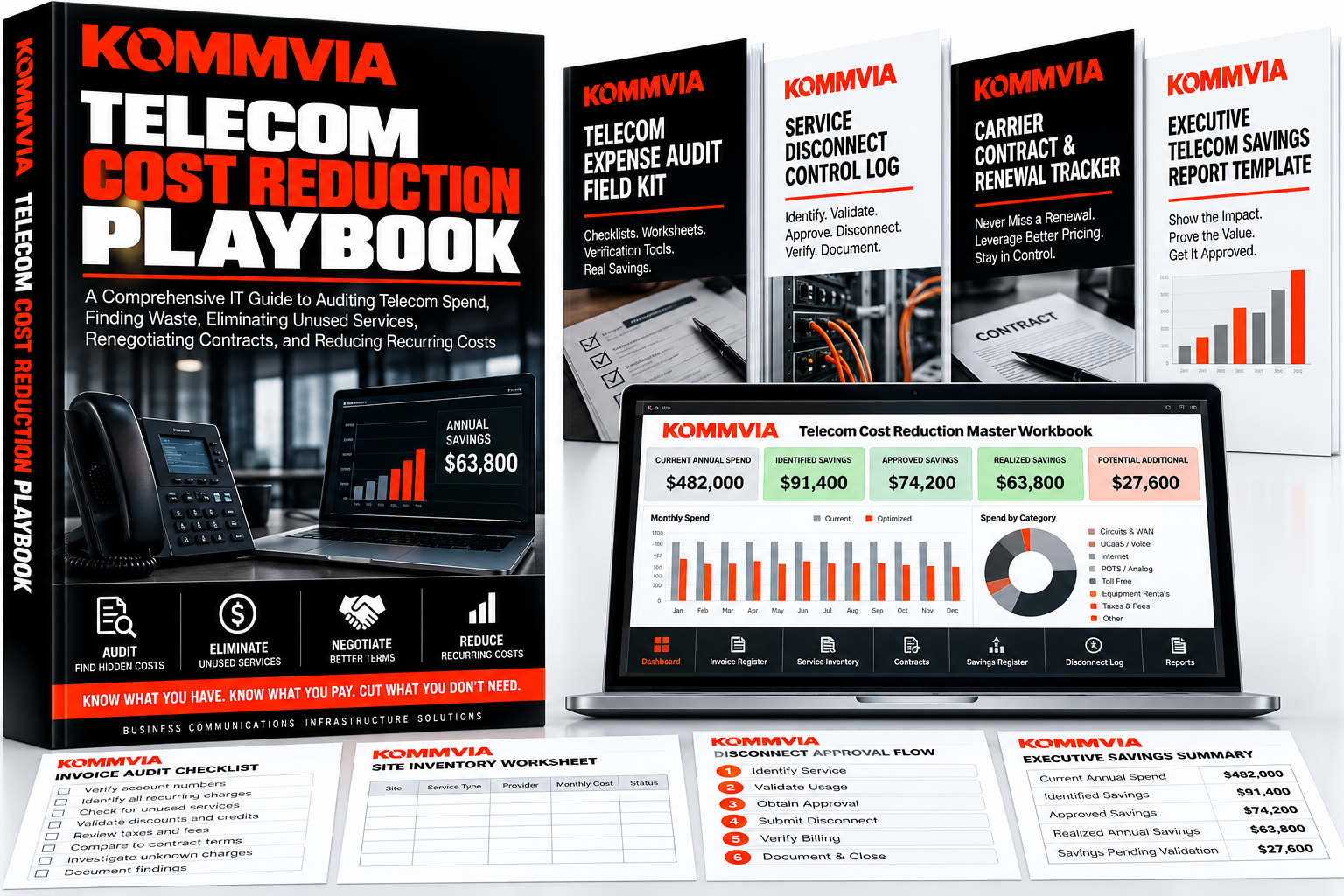
The Telecom Cost Reduction Playbook
Original price was: $6.97.$3.00Current price is: $3.00. -
The Telecom Disaster Recovery Playbook
Original price was: $6.97.$3.00Current price is: $3.00.