The Telecom Closet Nobody Wants to Open
August 15, 2026
Don’t Rip Out That PBX Until You Know What It’s Doing
August 17, 2026
What Northwest Indiana businesses should check after the August 2026 storms
Northwest Indiana has dealt with plenty of severe weather over the years, but the storms that moved through the region beginning August 11, 2026 were different.
The National Weather Service reported that the August 11 storm system was preliminarily confirmed as a derecho, with the system traveling from eastern Iowa through northern Indiana and eventually farther southeast. One of the most remarkable measurements came from right here in Northwest Indiana: a 99 mph wind gust was recorded at Gary/Chicago International Airport. (Weather.gov)
The damage to the electrical system has been enormous. NIPSCO has described the event as historic, and its August 15 restoration update reported that three consecutive severe-weather events caused unprecedented damage across its system. As of 4 p.m. Saturday, August 15, NIPSCO reported 155,000 customers still without power and 166,000 restored since the beginning of the event. The utility currently expects approximately 90% restoration by the end of August 18 and approximately 100% by the end of August 21, although those estimates can change as additional damage is discovered. (NIPSCO)
For businesses across Northwest Indiana, getting the lights back on is obviously the first priority.
But there’s another problem some businesses are going to discover when they finally walk back through the door.
The power is back on, but the phones, Wi-Fi, or network aren’t.
At Kommvia, this is where our part of the infrastructure comes into the picture.
Power Restoration Is Only the Beginning
It’s easy to think of a power outage as a giant light switch. Electricity goes off, everything stops, electricity comes back, and everything starts working again.
Modern commercial technology doesn’t always behave that way.
Think about what may be operating inside even a relatively small business. There could be an internet modem or carrier handoff, firewall, router, several network switches, wireless access points, VoIP phones, an on-premise telephone system, paging equipment, computers, cameras, and UPS battery backups.
All of those devices depend on each other in different ways, and they don’t necessarily recover from a prolonged outage in the same order.
A firewall may boot before the internet provider’s equipment is ready. A network switch may come online while another switch upstream from it is still down. Wireless access points may power up but have no path to the internet. VoIP phones may receive power but fail to register with their phone service. A UPS that protected equipment during the beginning of the outage may have completely depleted its batteries after several days without utility power.
From an employee’s perspective, the problem is simple: “The internet isn’t working.”
From a troubleshooting perspective, there may be several different systems between that employee and the internet.
Your Wi-Fi Can Be Working While Your Internet Is Down
This distinction causes a lot of confusion after outages.
Wi-Fi and internet service are not the same thing.
Your laptop may connect perfectly to an access point inside the building. That access point may be powered and communicating normally with the network switch. The Wi-Fi icon may even show a strong signal.
But if the building’s router, firewall, carrier equipment, or internet connection hasn’t recovered, you’re essentially connected to a local network that doesn’t have anywhere to go.
Replacing or rebooting access points won’t fix that.
This is why troubleshooting after a major outage should be done systematically rather than by randomly rebooting every box with blinking lights.
Start at the source of the connection and determine what is actually online. Verify the carrier service. Check the firewall and router. Verify the switches. Confirm that access points are communicating properly. Then start looking at the devices connected to them.
The same principle applies to business phone systems.
The Phones Have Power, But Nobody Can Call Us
Modern VoIP phones create another interesting situation.
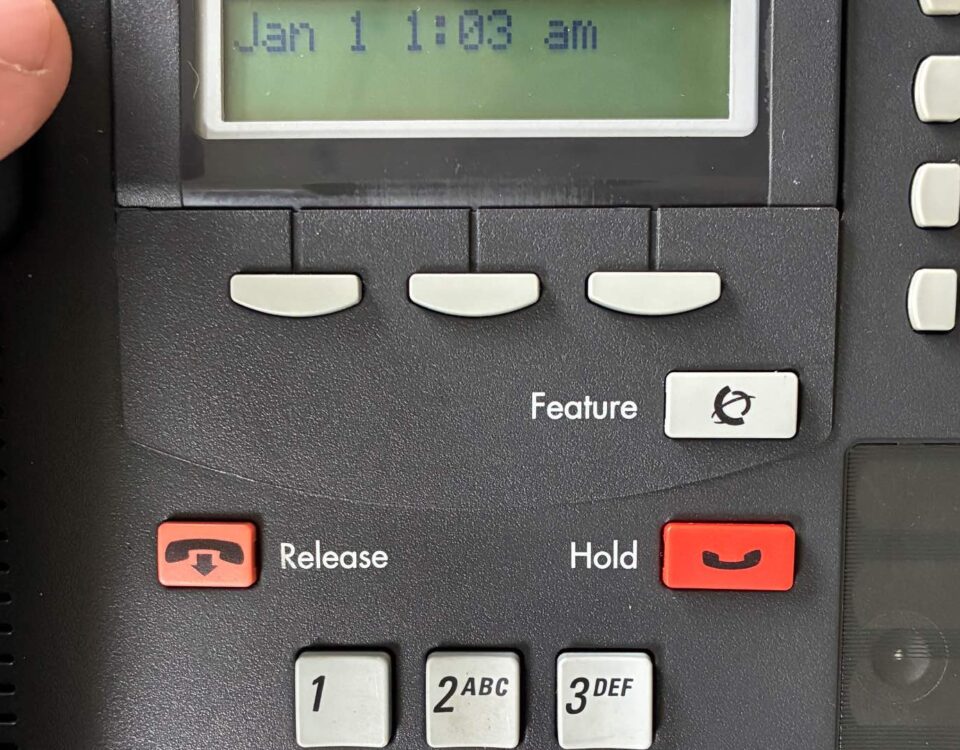
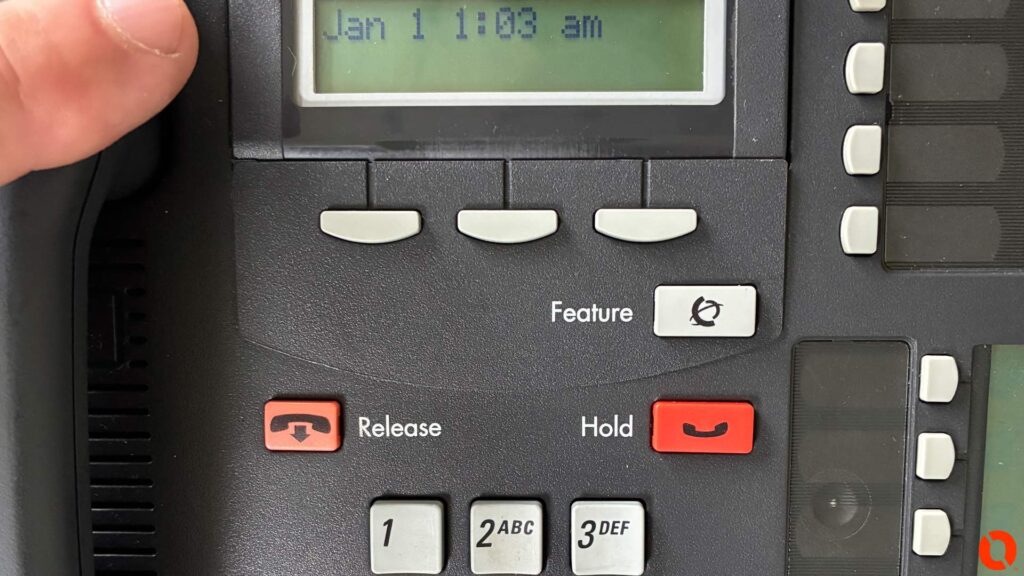
A desk phone can light up, display the correct time, and look completely normal while still being unable to place or receive calls.
The phone may be receiving PoE power from the network switch, but that doesn’t mean it has successfully reached the phone platform or carrier.
VoIP depends on a chain of infrastructure. The phone needs a working Ethernet connection. The switch needs to be operating correctly. The network needs to be configured and available. The router or firewall needs to be functioning. The internet connection needs to be available for cloud-based services. Finally, the phone needs to successfully communicate with and register to the telephone platform.
Break one link in that chain and you can have a perfectly illuminated telephone that doesn’t actually telephone.
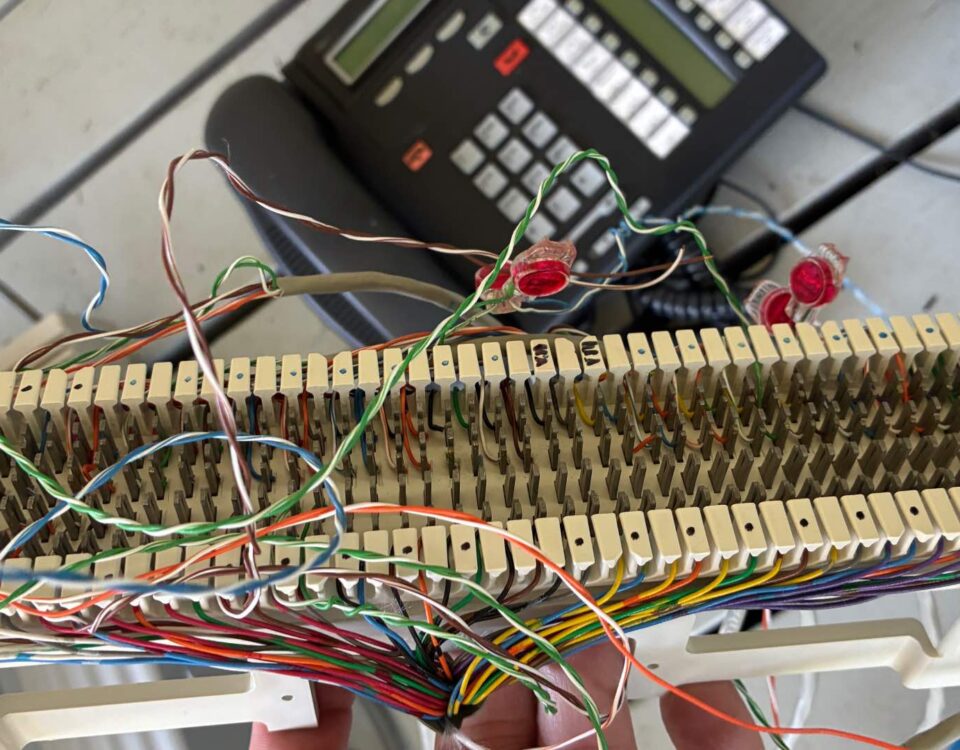
Older phone systems can have their own post-outage problems. An on-premise PBX may restart normally while the carrier service feeding it remains unavailable. Aging power supplies or components may also decide that a multi-day shutdown was the perfect opportunity to never turn on again.
Anyone who has worked around older electronics knows that sometimes equipment runs continuously for fifteen years without complaint.
Then you turn it off once.
That’s when things get interesting.
Long Outages Expose Weak Batteries
UPS battery backups deserve particular attention after an event like this.
A UPS isn’t designed to magically keep a telecom room operating for several days. Its job is typically to keep equipment running through short interruptions, provide time for generators to start, or allow systems to shut down safely.
During an extended outage, those batteries eventually discharge.
When utility power returns, a UPS may begin recharging and operating normally. But an aging battery may not recover as expected. In other cases, equipment may have been moved, unplugged, connected to temporary generator power, or manually shut down during the outage.
This is a good time for businesses to look at their backup-power strategy rather than simply assuming the batteries are ready for the next outage.
A label saying “battery backup” doesn’t tell you how much runtime is actually available.
Don’t Forget the Building Itself Took a Hit
The August 11 derecho wasn’t simply a utility outage. This was a destructive wind event.
A 99 mph measured gust in Gary gives some perspective on the forces buildings and outside infrastructure experienced. (Weather.gov)
That means businesses should also think beyond electronics.
Outdoor cabling may have been damaged. Building penetrations may have been affected. Equipment mounted outdoors may need inspection. Internet and telecommunications providers may have damaged infrastructure outside the property even when the building itself appears fine.
A business can have perfectly restored electrical service while the telecommunications path serving the building is still damaged somewhere down the road.
That distinction matters because troubleshooting inside the building won’t repair infrastructure owned by an outside carrier. A good technician should be able to determine where the problem appears to stop and help get the right party involved.
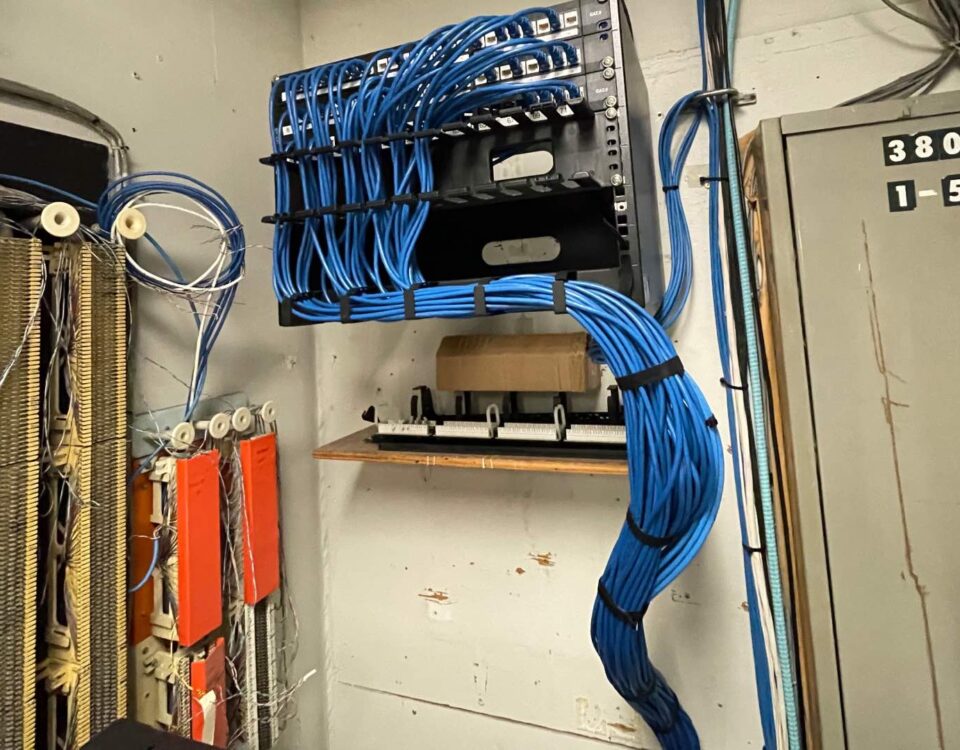
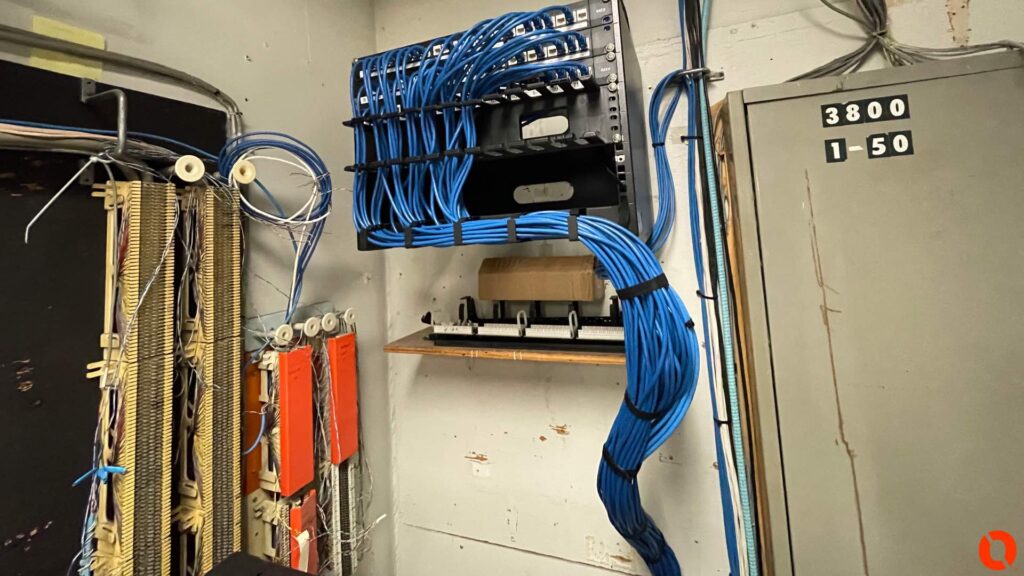
This Is a Good Time to Look Inside the Telecom Room
After operations stabilize, there is another opportunity businesses shouldn’t waste.
Go look at the room running your communications infrastructure.
Major outages have a way of exposing things that have been ignored for years. Maybe nobody knows which UPS powers which switch. Maybe the internet equipment isn’t labeled. Maybe the phone system and network are plugged into ordinary power strips. Maybe there are old switches still operating that nobody realized were critical. Maybe the Wi-Fi access points, phones, and network all depend on one piece of equipment that has no meaningful backup power.
You don’t need to rebuild everything because a storm happened.
But you should understand what failed, what survived, and why.
That information can make the next outage much easier to handle.
Kommvia Can Help Northwest Indiana Businesses Get Communications Back Online
Kommvia is based in Northwest Indiana, and this is exactly the type of infrastructure we work with.
As businesses reopen and power is restored, we can help troubleshoot business phone systems, VoIP phones, structured cabling, network switches, Wi-Fi access points, telecom rooms, and the physical network infrastructure connecting everything together.
Maybe your power is back but the phones won’t register. Maybe half the building has Wi-Fi and the other half doesn’t. Maybe an access point disappeared from the network. Maybe your internet provider says its service is working, but nothing inside the building can connect. Maybe equipment in the telecom room didn’t survive the outage.
Or maybe everything came back perfectly and this storm made you realize nobody in the company actually knows what would happen if it didn’t.
Those are all good reasons to take a closer look.
Northwest Indiana is going to spend some time recovering from this storm. Utility crews, first responders, contractors, municipalities, businesses, and residents are dealing with an extraordinary amount of damage, and restoring electrical service understandably comes first.
Once the lights come back on, though, the technology inside the building has to come back with them.
If it doesn’t, that’s where Kommvia can help.
Kommvia Inc.
Kommvia provides business phone systems, structured cabling, Wi-Fi access points, network infrastructure, troubleshooting, and telecommunications service for commercial and industrial facilities throughout Northwest Indiana, Indiana, and the Chicago area.
If your business has power again but your phones, Wi-Fi, or network didn’t come back with it, give us a call.
1-844-KOMMVIA | COMMAND THE SIGNAL™
We’re here to help!!